

My books aren't set up for ecommerce
You set up QuickBooks yourself, or a bookkeeper set it up the way they would for any small business. Now your sales come in as lump deposits, fees are buried, and nobody can tell what each channel actually made. Most of that comes from how QuickBooks was set up, not from how you sell.
Does this sound familiar?
Shopify or Amazon pays you, and QuickBooks records the deposit. Sales, fees, and refunds never show up on their own.
The default accounts have no place for marketplace fees or sales by channel, so a lot of it ends up in Other income or Miscellaneous.
Some direct connectors post every order as its own transaction, which buries your books in entries nobody can reconcile.
At every month-end, someone recategorizes the same fees and refunds by hand. The setup creates that work, and it will keep creating it until the setup changes.
Adding Amazon or Walmart to a setup that barely handles Shopify makes every problem above bigger. It’s easier to fix the setup before the new channel goes live.

Why this happens
QuickBooks was built for businesses that send invoices and get paid one customer at a time. Ecommerce platforms pay you in batches, after they’ve already taken out fees, refunds, and reserves. QuickBooks has no way to split that payout back into its parts on its own.
That’s the job A2X does. It reads each payout, breaks it into sales, fees, refunds, and taxes, and posts a summary to QuickBooks that matches the deposit in your bank. A2X is only as accurate as its mapping, though, and the mapping depends on a chart of accounts built for ecommerce.
Most sellers set this up themselves while they’re small, and it works well enough until volume grows. By the time the books feel wrong, months of transactions are sitting in the wrong accounts. We recommend getting the setup right early, because fixing a setup takes far less time than cleaning up a year of books it got wrong.
How we fix it
A2X + QBO Setup
It starts with a call to look at your sales channels and figure out exactly what you need. Then we set up the chart of accounts in your QuickBooks Online file so it lines up with how A2X sorts your sales channel data. In A2X, we make sure it’s syncing correctly with your sales channels and with QuickBooks, and that every type of activity maps to the right account. After that, we sit down with you for an hour to answer your questions and show you how to use the software, since good software doesn’t help much if nobody knows how to use it. That session is recorded, so you can go back and rewatch it whenever you need a reminder.
Platform-specific setup
Need more than setup for your Amazon or Shopify store? These services handle the accounting for those platforms every month.
Where to go next
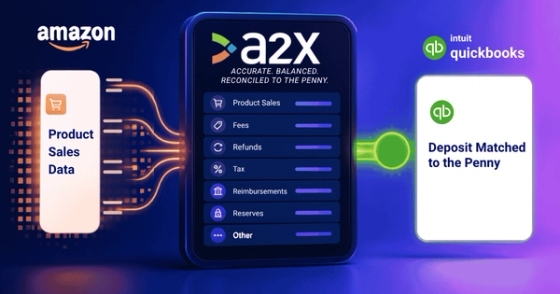 ArticleWhy A2X is an Essential Accounting Tool for Amazon SellersAmazon's biweekly deposit hides your real sales, fees, and costs. See how A2X breaks it down, with a real client example of an $81,788 discrepancy.
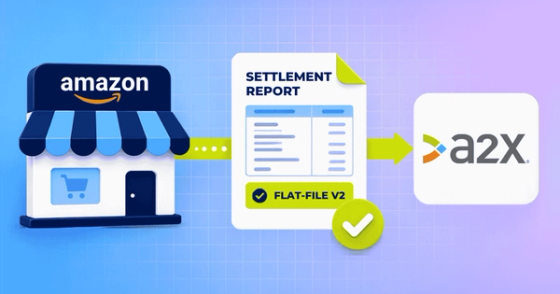 ArticleConnecting A2X to Amazon: What You Need to Know Before You StartConnecting A2X to Amazon has a few gotchas. This covers both connection methods, what to do without admin access, and why settlement report format matters.
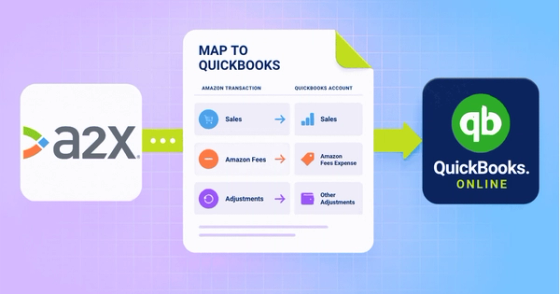 ArticleConnecting A2X to QuickBooks Online: What You Need to Have Ready Before You StartOnce A2X pulls in your Amazon settlements, connect it to QuickBooks Online. This covers what you need first, plus how to refresh or disconnect later.
 ToolEcommerce Chart of Accounts TemplateThree import-ready QuickBooks Online chart of accounts templates for ecommerce, from a simple starter list to a detailed, numbered multichannel chart.
How do you reconcile Amazon or Shopify payouts to your bank deposits?
Pull initial order reports from your sales channel to see gross and net sales, then compare that against your payment processor's settlement report, which shows what actually settled after refunds, fees, and chargebacks. That settled amount is what should match your bank deposit; gaps between the two are exactly what reconciliation is meant to catch.
Read: Check whether your processor is shortchanging youShould you sync Shopify directly with your accounting software?
No. Shopify pushes individual sales orders into QuickBooks, but your bank account only sees lump-sum settlement deposits, which creates constant mismatches, bloats your file, and turns reconciliation into a monthly headache. A tool like A2X that summarizes activity into clean journal entries works far better.
Read: Why a direct Shopify sync backfiresWhat is A2X and how does it help ecommerce accounting?
A2X is a tool that pulls in Amazon (or other channel) settlement data and breaks it down into its underlying components, sales, fees, shipping, advertising, storage, and timing adjustments, then posts a clean summary directly into QuickBooks Online or Xero. It solves the core problem that a raw bank deposit is a net figure that hides everything actually happening in your sales activity.
Read: Why Amazon sellers rely on A2X